Our Wibble Support Package has been fine-tuned over the years to keep your WordPress site secure, fast, and reliable. If you manage a WordPress site, you’re familiar with the frontend and backend—updating content, adding new pages, and keeping things running smoothly. But there’s a lot more happening behind the scenes. In this blog post, I’ll walk you through exactly how our Wibble Support Package protects and maintains your WordPress infrastructure.
Where your Wibble Support Package begins
We manage many sites that are built in many different ways, from our own Web Developmentwork to pre-built themes built in a number of site build tools like Elementor, KadenceWP, Divi etc.. these can be pretty straightforward, but once you add plugins to enhance functionality, quirks can start to appear.
As we work with sites over time, we document these quirks along with their fixes or workarounds. So the first thing we do before any update is check our notes for potential issues and follow the steps needed to update without disruption.
Before we update anything
A site backup is essential just before we run any updates. We take a complete snapshot of everything—recent emails, orders, posts, plugins, the database, and media uploads. If anything goes wrong during an update, we can quickly roll back your site to its working state, gather the debug information we need, apply a fix, and then run the updates again.
WSP+ clients benefit from a staging setup where we backup and run all updates on a staging site before touching your live site. This allows us to dive deep into any issues that arise. It’s especially useful for plugin conflicts, as we’re at the mercy of plugin developers releasing fixes. If we identify a problematic version in staging, we know to skip it and wait for a stable release before updating your live site.
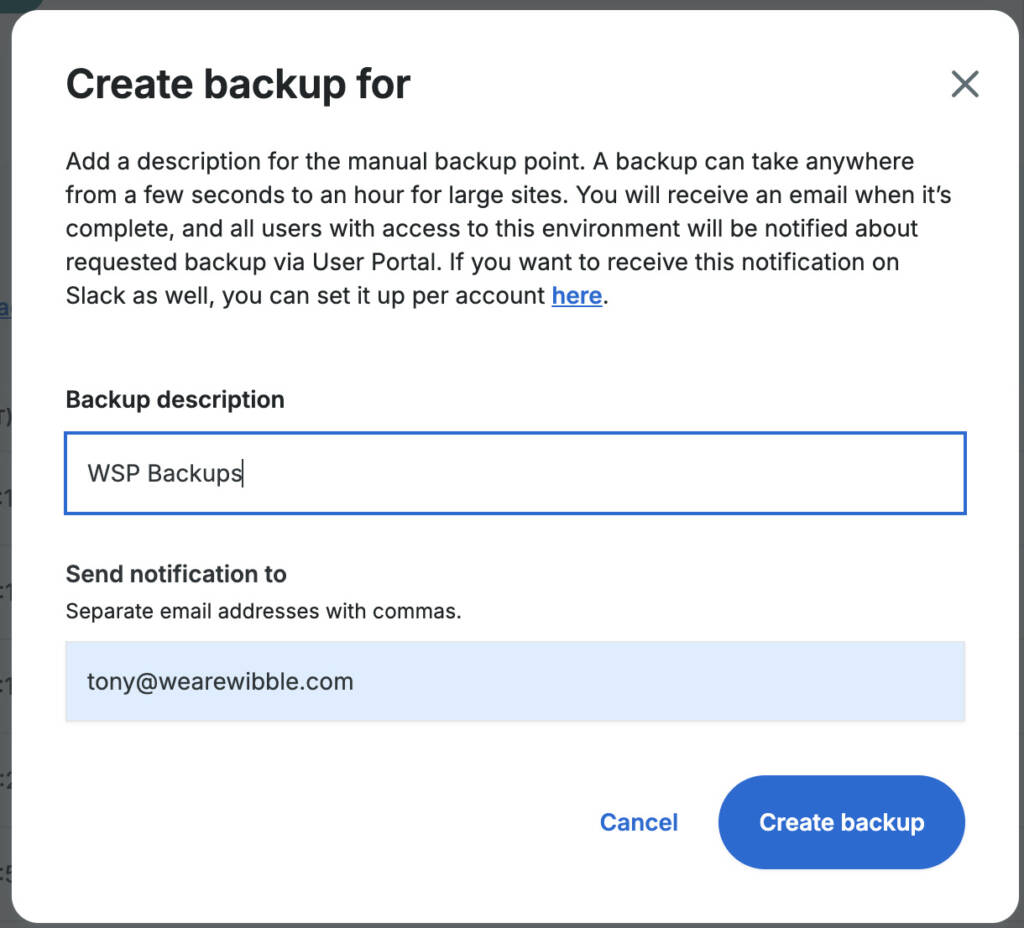
Backups are taken daily:
Wibble Support Package daily WordPress backup schedule
We take a pre-update backup:
Wibble Support Package pre-update backup confirmation.
Once backup is confirmed
We run all updates through our iControlWP dashboard, which streamlines the entire process. While WordPress typically puts sites into Maintenance Mode during updates, iControlWP bypasses this for front-end users in most cases, minimizing any potential downtime your visitors might experience. Maintenance Mode may still appear briefly from time to time, but this usually lasts only seconds depending on how many plugins your site uses.
Our iControlWP dashboard also provides detailed information about each update before we apply it, including current and new version numbers, vulnerability status (more on this in FAQs below), and a complete overview of all available WordPress core, plugin, and theme updates.
Wibble Support Package iControlWP update dashboard.
Now to the important part: testing
This is the most important part of the process. While everything can appear to have been successful in updating, there can sometimes be hidden issues and the more plugins your site depends on, the greater the risk of issues. We have a number of key areas we look into when checking all updates were a success and these are:
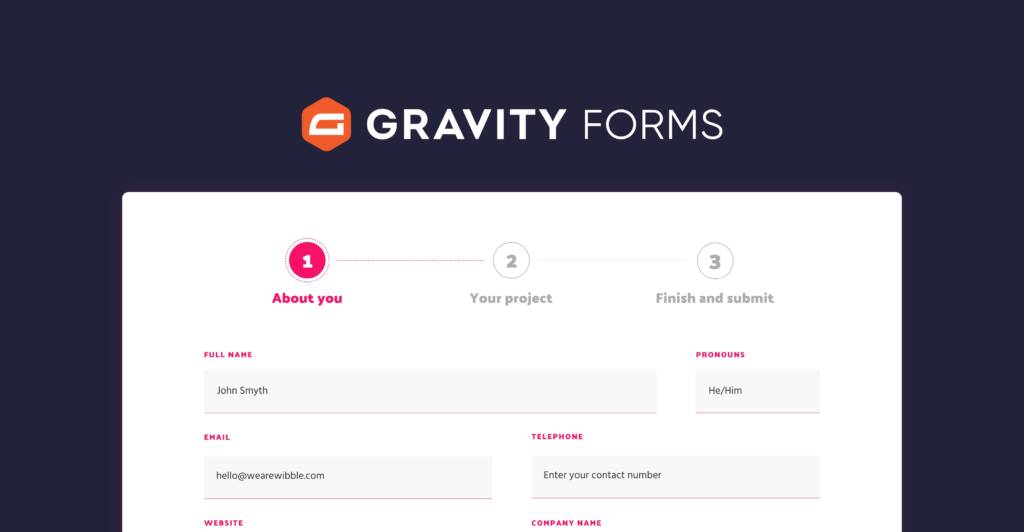
All site forms and their submission processes
Product pages and functionality (for e-commerce sites)
Image galleries and sliders
Pagination across blog posts and archives
Filter dropdowns, checkboxes, and sorting options
Search features and results
Checkout processes (for e-commerce sites)
Payment gateways and transaction processing
Backend processes like page/post creation, form building, media uploads, and form entry logging
Multiple posts and pages for console errors caused by styling or JavaScript changes
There are additional areas we check on a site-by-site basis, but this list covers the core areas essential for any WordPress update. The majority of issues we encounter are caching-related and can usually be fixed with a cache purge. We typically do this immediately after updates to rule out caching issues before confirming everything is complete. Occasionally, your browser may cache an older file that conflicts with an updated file—a quick browser hard refresh or clearing your browser cache usually resolves this.
Finalizing your Wibble Support Package updates with confirmation email
Once all updates and testing is complete frOnce all updates and testing are complete on our end, we’ll send you a Wibble Support Package email asking you to review your site. You know your site’s day-to-day usage better than anyone, so this final check ensures everything works as expected from your perspective. This email is logged in our ticketing system, so if you notice any issues, simply reply to the email and it will reopen the ticket, allowing our Support Team to assist you.
Conclusion
Managing a WordPress site goes far beyond updating content—security vulnerabilities, plugin conflicts, and compatibility issues require continual attention to keep your site secure and performing at its best. The Wibble Support Package handles the technical side with pre-update backups, staging environments, comprehensive testing, and vulnerability monitoring, so you can focus on managing your content while we protect you behind the scenes.
Contact Wibble Web Design
Wibble are an award-winning web design and development agency in Belfast with a specialism in custom WordPress development. Your WordPress site deserves professional care and ongoing maintenance—get in touch with our team to learn how the Wibble Support Package can give you peace of mind and keep your site running smoothly.
Frequently asked questions about Wibble Support Package
As Wibble are the go-to agency for all things WordPress and custom web development. We have put together a number of FAQs about all things how we Support your site.
Why are regular WordPress updates important for website security?
Regular updates are essential for protecting your WordPress site from security vulnerabilities. Despite developers’ best efforts to create secure code, vulnerabilities can emerge over time as new attack methods are discovered. When security researchers (often called “white hat” hackers) identify these weaknesses, they report them to developers who then release patches through updates.
Without regular updates, your site can remain exposed to known vulnerabilities that malicious actors actively scan for and exploit. These exploits can lead to unauthorised access to your server, website, database, or your site being used to distribute malware. Keeping WordPress core, plugins, and themes updated ensures you have the latest security patches protecting your site from these threats.
Beyond security, updates also provide performance improvements, bug fixes, and new features that keep your site running smoothly and efficiently.
Why we backup your WordPress site before updates.
While updates are essential for security and performance, they can occasionally cause conflicts with existing plugins, themes, or custom code. Without a pre-update backup, there is no safety net if something goes wrong.
If an update causes a critical error or compatibility issue, your site could display a white screen, lose functionality, or even become completely inaccessible to visitors. With a backup taken immediately before the update, we remove the potential of losing recent content, customer orders, form submissions, and other valuable data while restoring from an older backup.
That’s why our Wibble Support Package always creates a full backup immediately before applying any updates. This ensures we capture your site exactly as it was in its working state, including all recent content, database changes, and configurations. If an update causes any conflicts or critical errors, we can quickly roll back to this most recent version, minimizing downtime and ensuring zero data loss.
This pre-update backup approach provides peace of mind—your site can be safely updated with the latest security patches and features, knowing that if anything unexpected happens, we can restore it to its fully functional state within minutes rather than hours.
What happens if WordPress core or a plugin contains a security vulnerability?
We respond immediately when vulnerabilities are discovered. Through our iControlWP and Shield Security integration, we receive real-time notifications the moment a security vulnerability is identified in WordPress core, plugins, or themes on your site. Shield Security provides detailed risk assessments for each vulnerability, allowing us to prioritise critical threats.
Once notified, we apply the necessary updates at the earliest possible opportunity to ensure your site remains protected.
Important consideration: Our response time depends on patch availability. While we may receive notice of a vulnerability immediately, we must wait for the WordPress core team or plugin developers to release an official security patch. Once that patch is available, we deploy it promptly to your site.